Stay Safe Online.
A Workshop for Seniors.
The internet doesn't have to be scary. Learn simple ways to protect yourself from scams, phishing, and online tricks — taught in plain language by people who care about your community.
Scammers Target Seniors. We Help You Fight Back.
Over $3.4 billion was stolen from Americans 60+ last year through online scams. That's not a typo. The good news? Most scams follow predictable patterns — and once you know what to look for, you're much harder to fool.
Workshop Topics
Each session is 60 minutes, in person, at your local community center. No computer needed. No experience required.



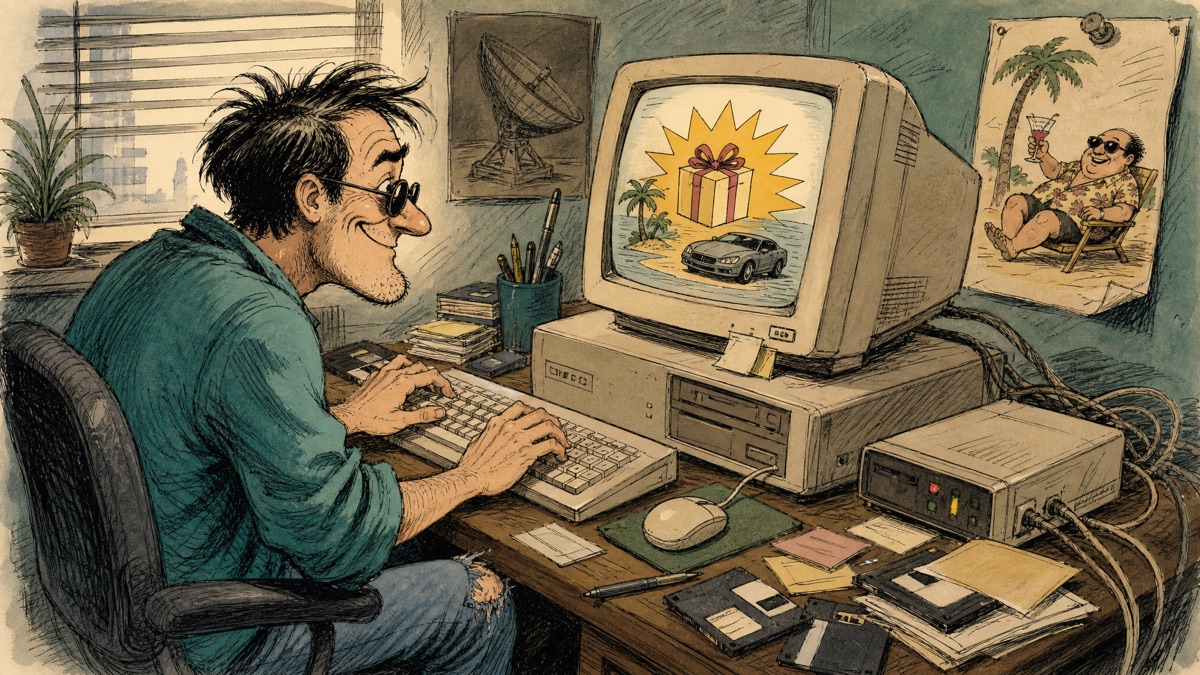
Email Scams & Phishing
How to spot fake emails that look real. The bank email that isn't from the bank. The "you've won" message that takes your money.
- How to check if an email is real
- What "phishing" means (and why it's called that)
- The 3 signs every fake email has
- What to do when you're not sure

Phone & Text Scams
The Social Security call that isn't. The "grandchild in trouble" emergency. The tech support caller who wants access to your computer.
- How scammers fake caller ID
- What the IRS will NEVER do on the phone
- The "yes" scam — why you should never say yes
- How to handle suspicious texts
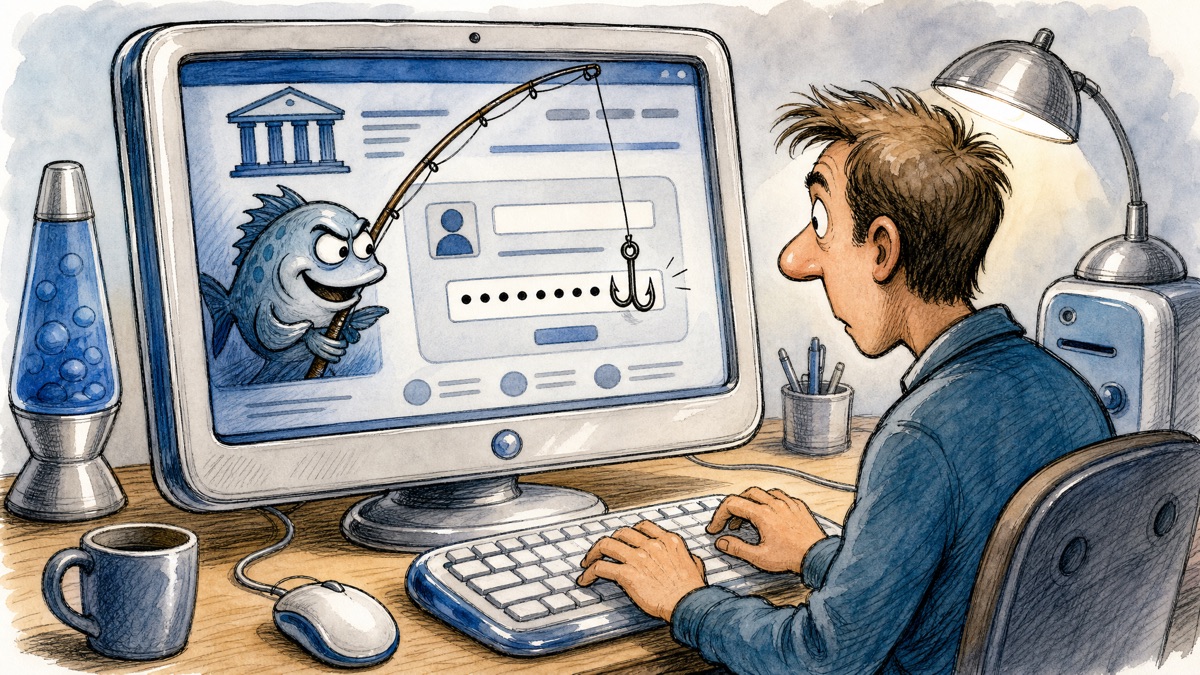
Passwords & Account Safety
Your password is like the lock on your front door. We'll show you how to make it unbreakable — without memorizing anything complicated.
- Why "password123" doesn't work
- The notebook method (write it down, safely)
- How to use different passwords everywhere
- What two-factor authentication really means
Safe Browsing Habits
The internet is like a city — most neighborhoods are safe, but some aren't. Learn how to stay on the safe streets.
- How to tell if a website is safe
- What the padlock icon really means
- Shopping online without worry
- When to ask for help
Simple. Friendly. No Tech Jargon.
Show Up
Come to the community center. No computer needed. No experience required. Just you and a willingness to learn.
Listen & Learn
We explain everything in plain English. No confusing tech words. We use examples from real life that you'll recognize.
Take Home
Walk away with a simple cheat sheet you can keep next to your computer. One page. Easy to follow. Always there when you need it.
Meet Your Instructor
Carlos Cabrales
IT Professional & Community Advocate
With over 10 years of IT experience and a passion for making technology accessible, Carlos brings real-world cybersecurity knowledge to community workshops. He believes everyone deserves to feel safe online — especially seniors who built this country and deserve protection from those who would take advantage of them.
Carlos's approach is simple: "If my mom can't understand it, I haven't explained it right."
Download the Cheat Sheet
One page. Keep it next to your computer. Share it with a friend.
🛡️ Senior Cyber Safety Cheat Sheet
A simple one-page reference with:
- ✅ How to spot a fake email
- ✅ Phone scam red flags
- ✅ Password rules that actually work
- ✅ Emergency numbers to call
- ✅ "If you see this, do this" quick guide
Upcoming Workshops
Workshops are held at the local community center. Dates and times coming soon.
Email Scams & Phishing
Session 1 of 4
60 minutes · In person
📅 Date TBA — Coming Soon
Phone & Text Scams
Session 2 of 4
60 minutes · In person
📅 Date TBA — Coming Soon
Passwords & Account Safety
Session 3 of 4
60 minutes · In person
📅 Date TBA — Coming Soon
Safe Browsing Habits
Session 4 of 4
60 minutes · In person
📅 Date TBA — Coming Soon
Have Questions? Want a Workshop at Your Center?
Reach out anytime. We're here to help.
📧 support@ccfamily.com
🌐 ccfamily.com/senior-safety
This program is free for all community members. No sales pitch. No tech jargon. Just honest information from people who care.
🛡️ Remember: It's okay to be suspicious. It's okay to ask for help. It's okay to hang up. You are never bothering anyone by asking questions. That's what family does.